ADHD Life OSLaunchist Edition
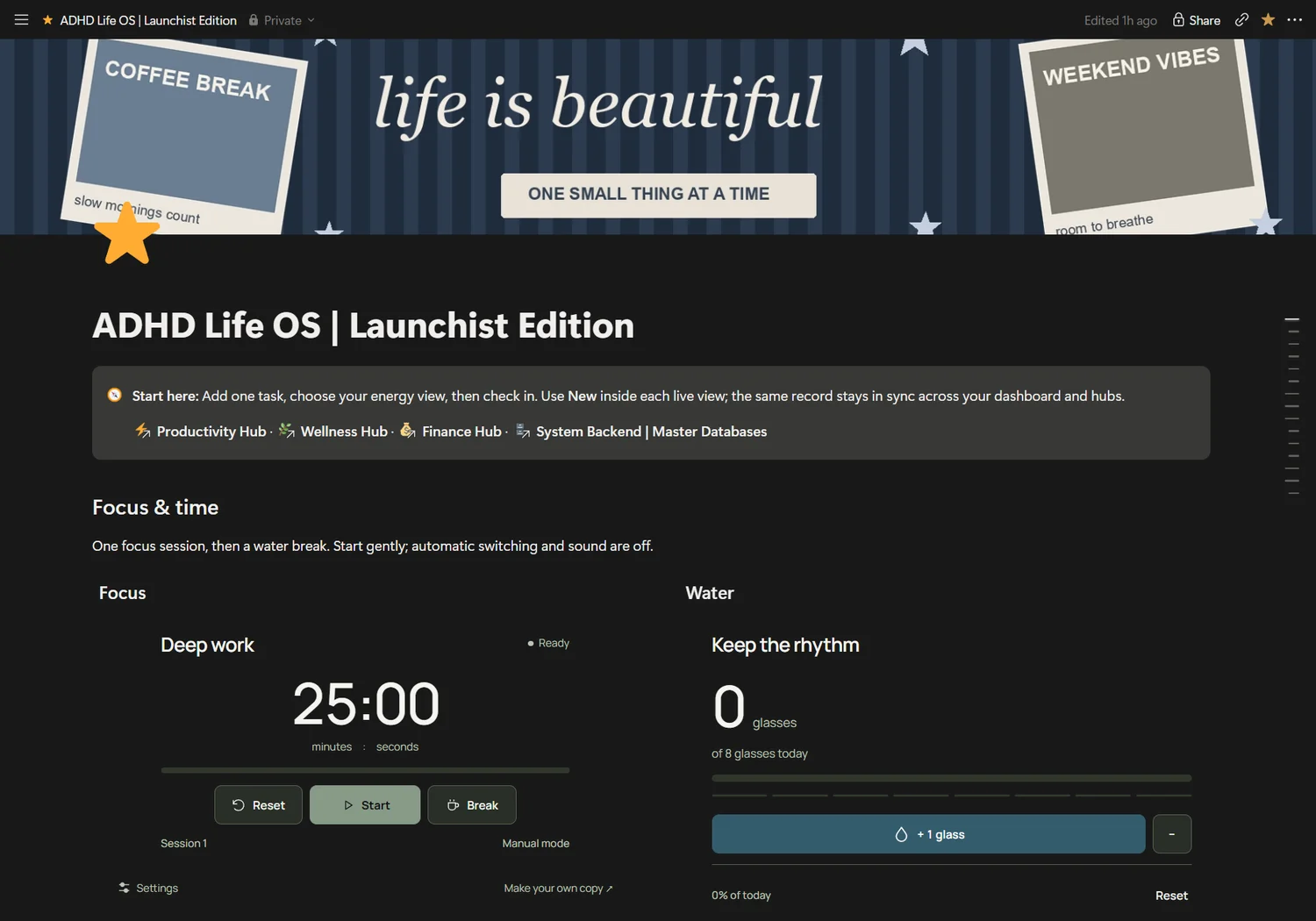
Personal system
$35USD · planned launch priceADHD Life OS
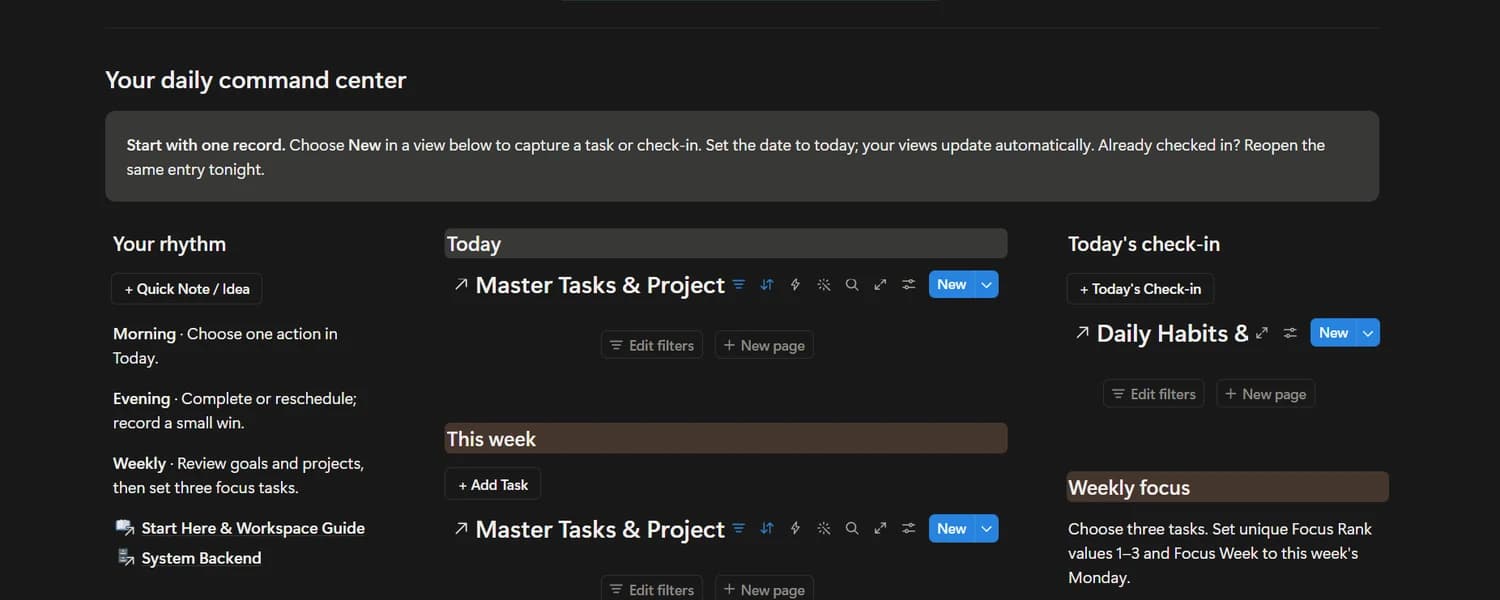
An energy-aware home for your tasks, daily check-ins and the little things that make a life.
 Find your system
Your Notion operating system.
A little more conversational.
Beautiful systems for life and business, with practical guidance for your connected AI assistant.
“Capture this idea. Help me plan tomorrow.”
Illustrative prompt · your authorization requiredYou set it up. Make it beautiful. Promise you’ll keep it updated.
Then life happens. Tasks go uncaptured. The journal sits empty. Your dashboard stops looking like your actual day.
Launchist brings structure to your workspace—and guidance for a compatible AI assistant to help with the repetitive parts. So getting organized can feel less like upkeep.
Meet a more conversational workspaceCapture in your own words. Let a supported connection handle the database entry. Review the result, and get back to your day.
“Finish the presentation tomorrow. Low energy, 15 minutes.”
A compatible assistant checks your authorized workspace and the database properties.
This demonstration does not call Notion or change your data.
Task creation and completion were tested in an isolated schema copy. Planning is an example, not a tested automation.
Read the test scopeFive different starting points. The same care for the details.
Explore the collectionAn energy-aware home for your tasks, daily check-ins and the little things that make a life.
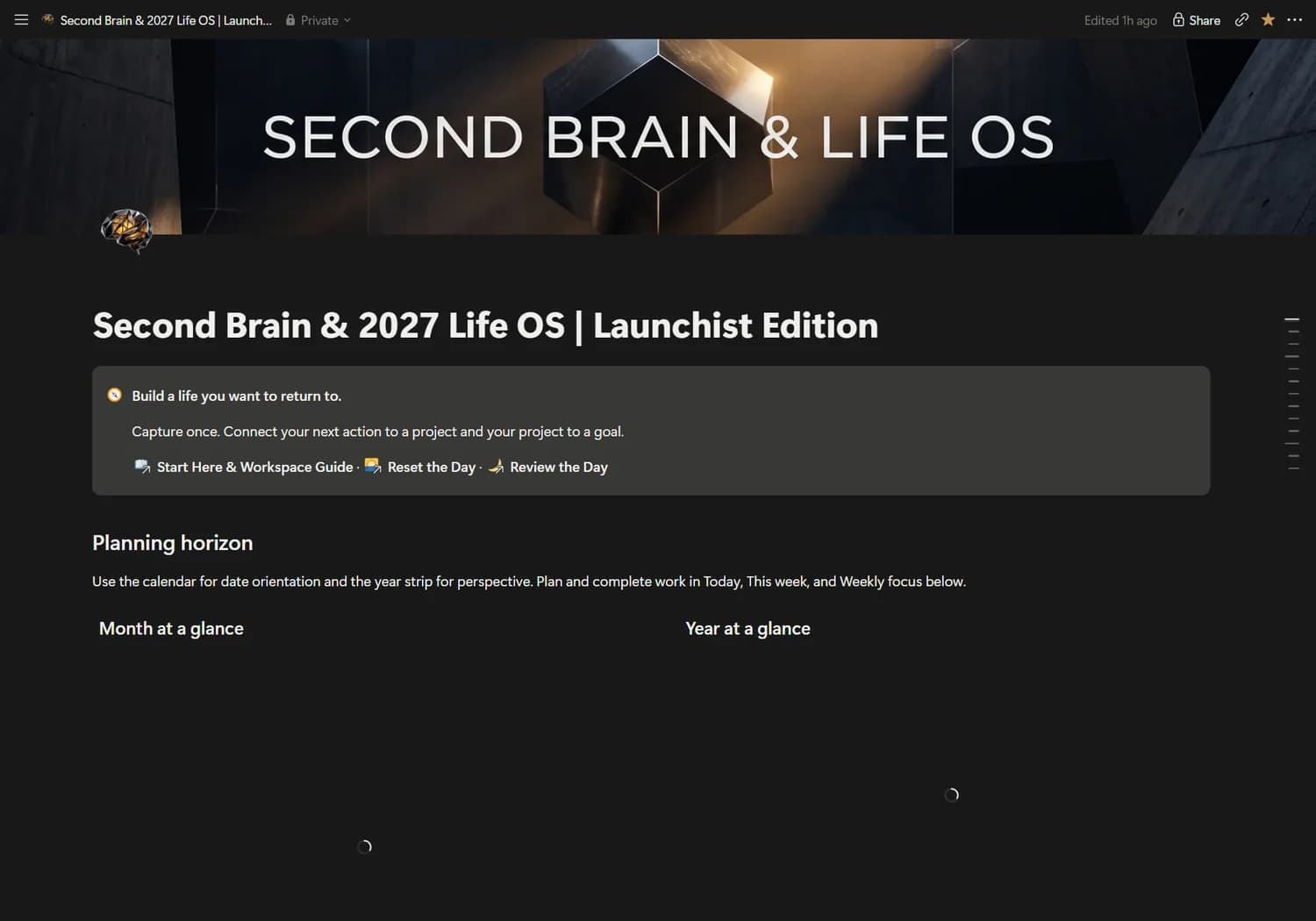
Connect what you know, what you want and what you do in one considered personal operating system.
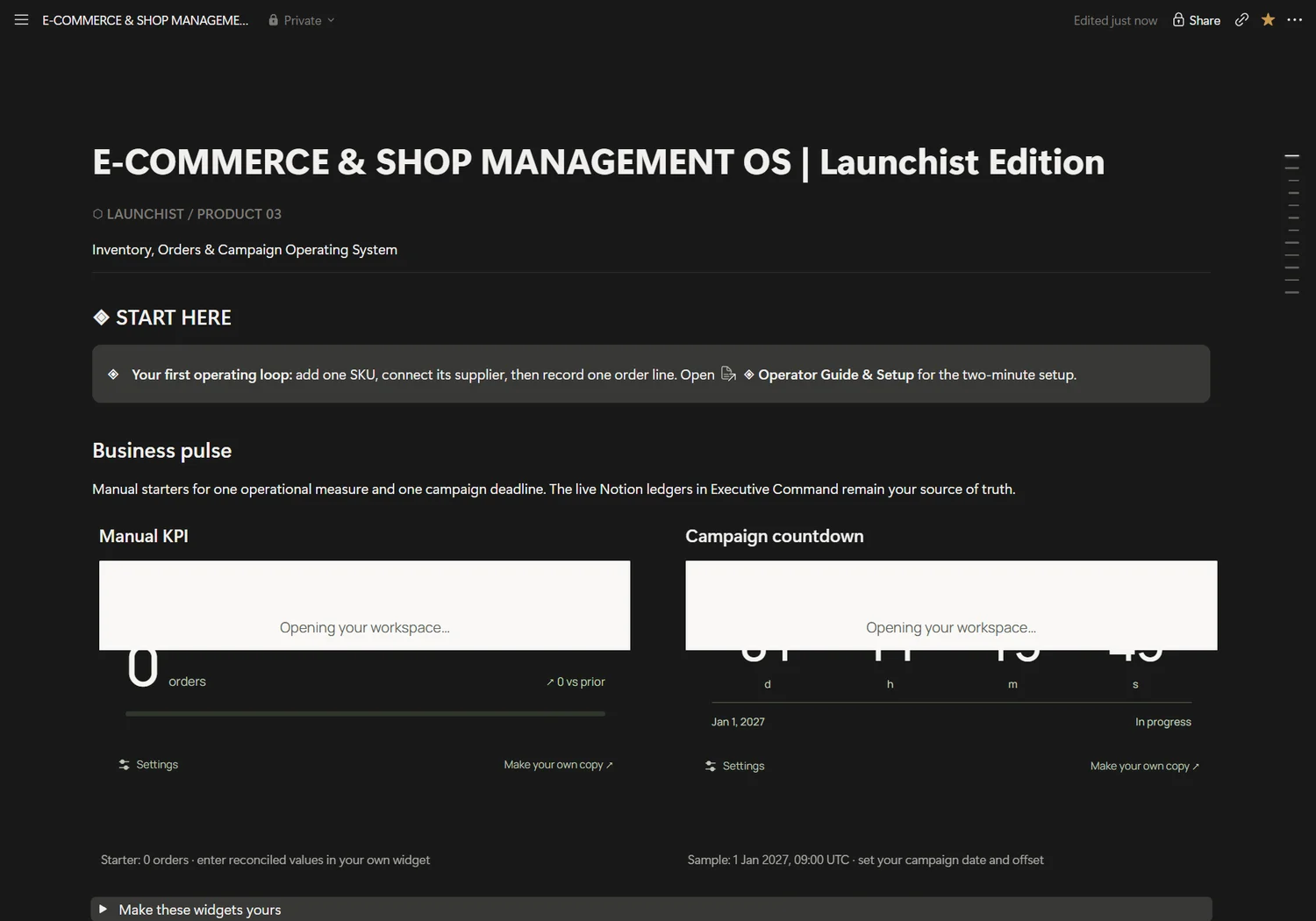
Stock, suppliers, order lines and campaign work, connected in one shop operations desk.
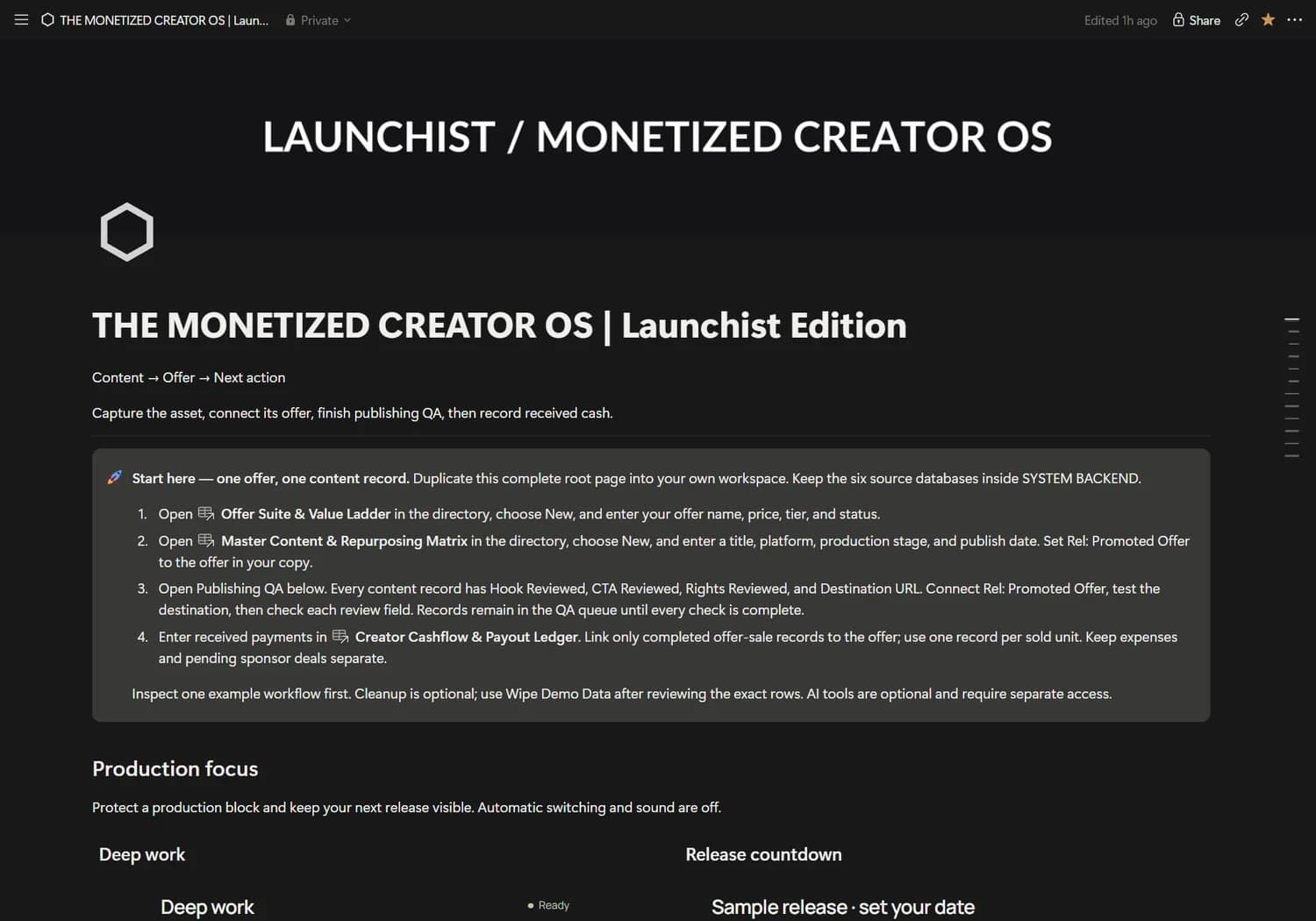
A production home for content, offers, partner opportunities and the money you actually receive.
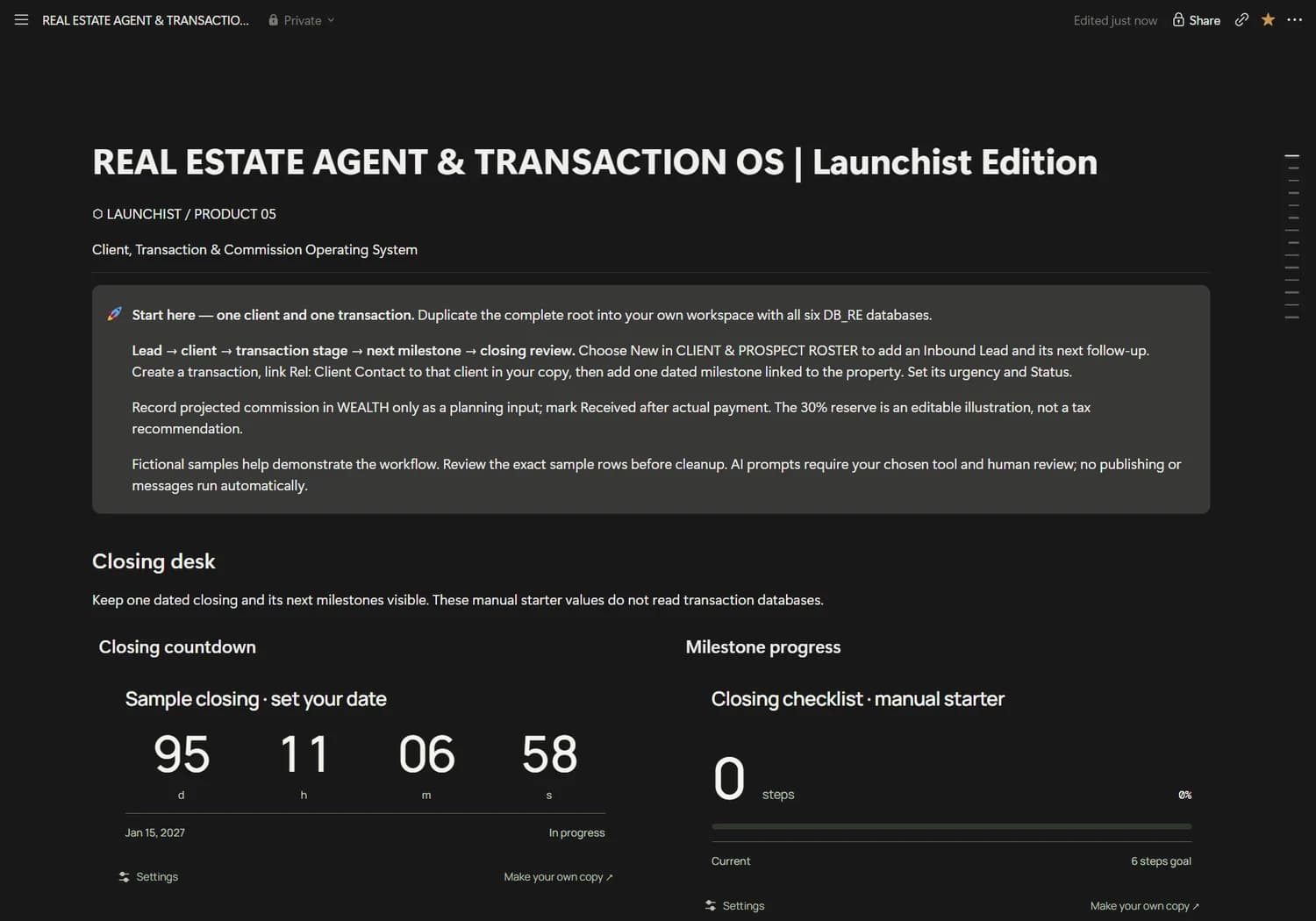
Bring clients, transactions, follow-ups and commission planning to one clear closing desk.
Planned launch prices in USD. Purchasing is closed while checkout and delivery are verified.
You own the workspace. You choose the assistant. You stay in control of what it can access and change.
Read the setup guideFind the structure that fits the work—or life—you want to support.
Use your delivered link to create your own copy. Keep its connected databases together.
Authorize a compatible assistant. Check which read and write actions it supports.
Try a prompt, review the destination and verify the saved record.

Good structure gives you somewhere to return to. Launchist is built around connected records, clear views and a calmer way to begin again.
A little about LaunchistConceptual artwork. Products are digital Notion systems.An editable Notion operating system for your own workspace. Each product includes its connected structure and setup guidance. AI subscriptions and third-party services are separate.
No. You duplicate the system into your Notion workspace, then authorize your own compatible connection. Available actions depend on your assistant, plan, workspace permissions and connector.
A compatible connection with write actions can create or update supported records. We tested ADHD task creation and completion in an isolated copy using the connected Notion tools available in our setup. Other product examples are based on inspected schemas and still need testing in your own copy.
Yes. Native Notion databases and views remain the core workflow. AI assistance is optional; capture and update records directly in Notion whenever you prefer.
Core pages and databases use native Notion features. Plan limits may affect charts, AI and connectors. Records views provide an alternative to limited charts. Final buyer duplication on every plan is not yet certified.
Start with the part of your life that needs a little less friction.
Find your systemFive systems. One more considered way to work.