ADHD Life OSLaunchist Edition
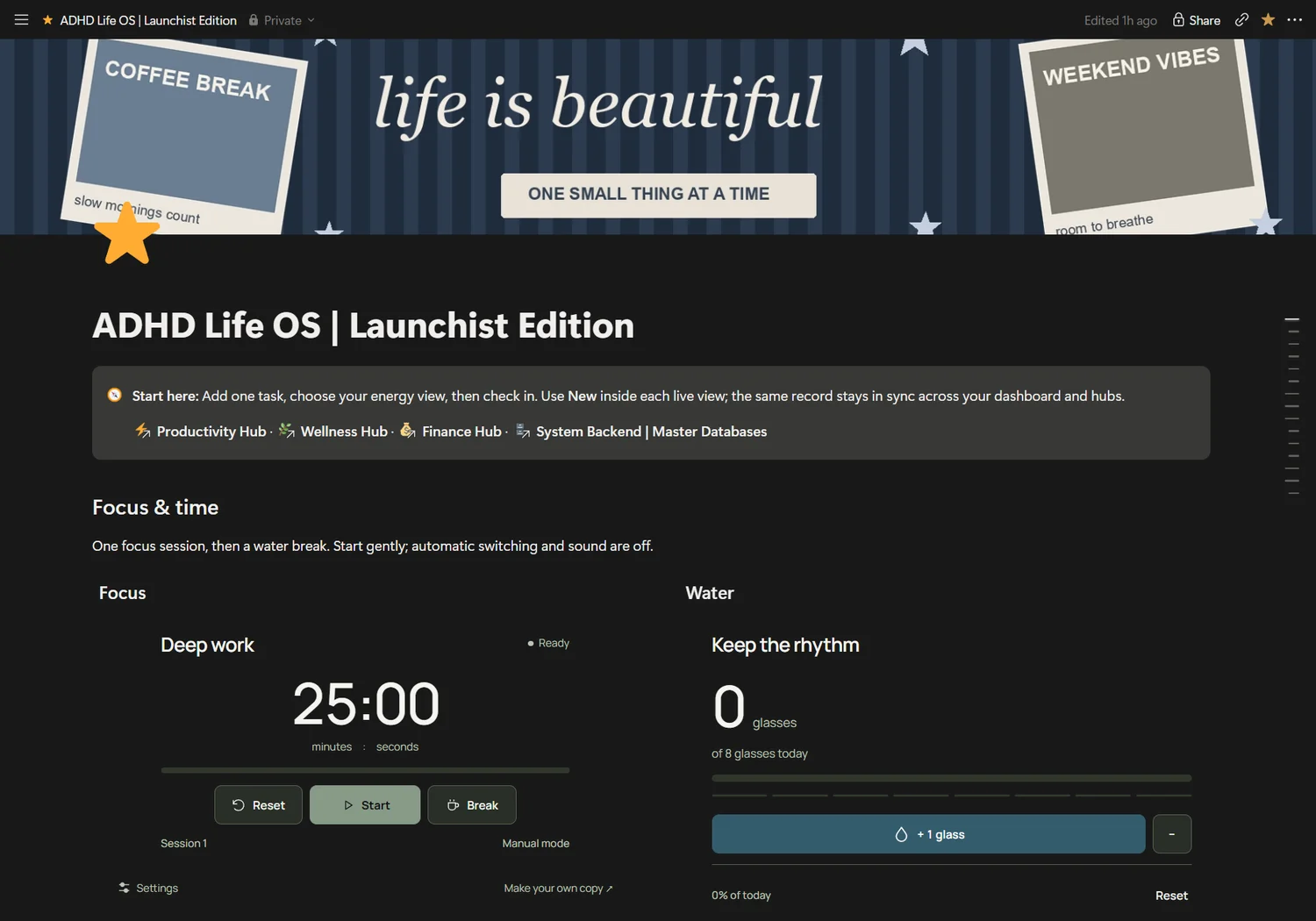
Personal system
$35USD · planned launch priceADHD Life OS
An energy-aware home for your tasks, daily check-ins and the little things that make a life.
 Find your system
A production home for content, offers, partner opportunities and the money you actually receive.
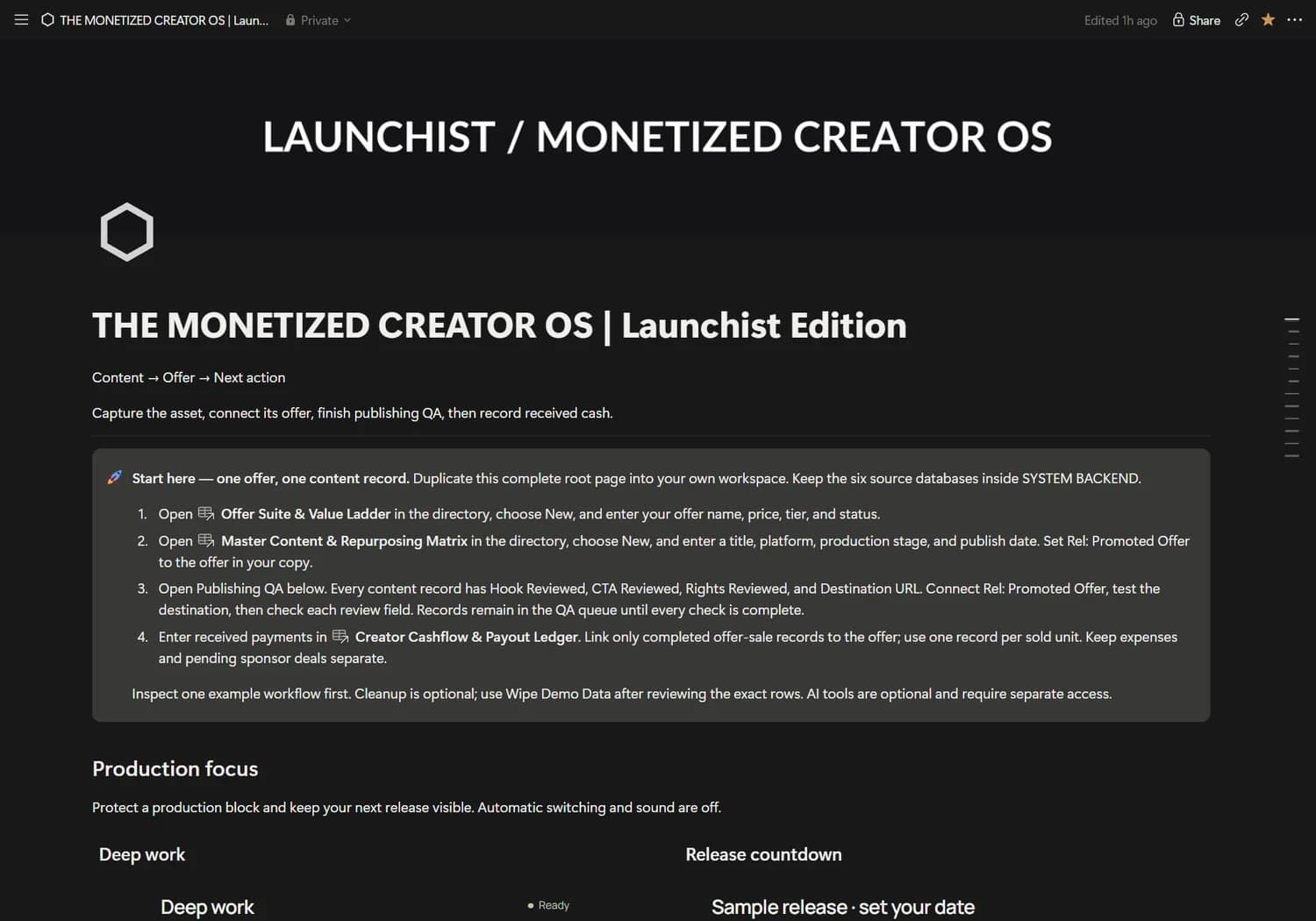
Actual Notion dashboard · example records may appear · widgets are separate from database activity
For independent creators building an accountable content and offer workflow.
Keep every asset connected to its promoted offer. Plan production, track received cash and review your partner pipeline separately.
No automatic publishing or guaranteed revenue. Pipeline value is separate from received cash. AI vaults store prompts, not model execution.
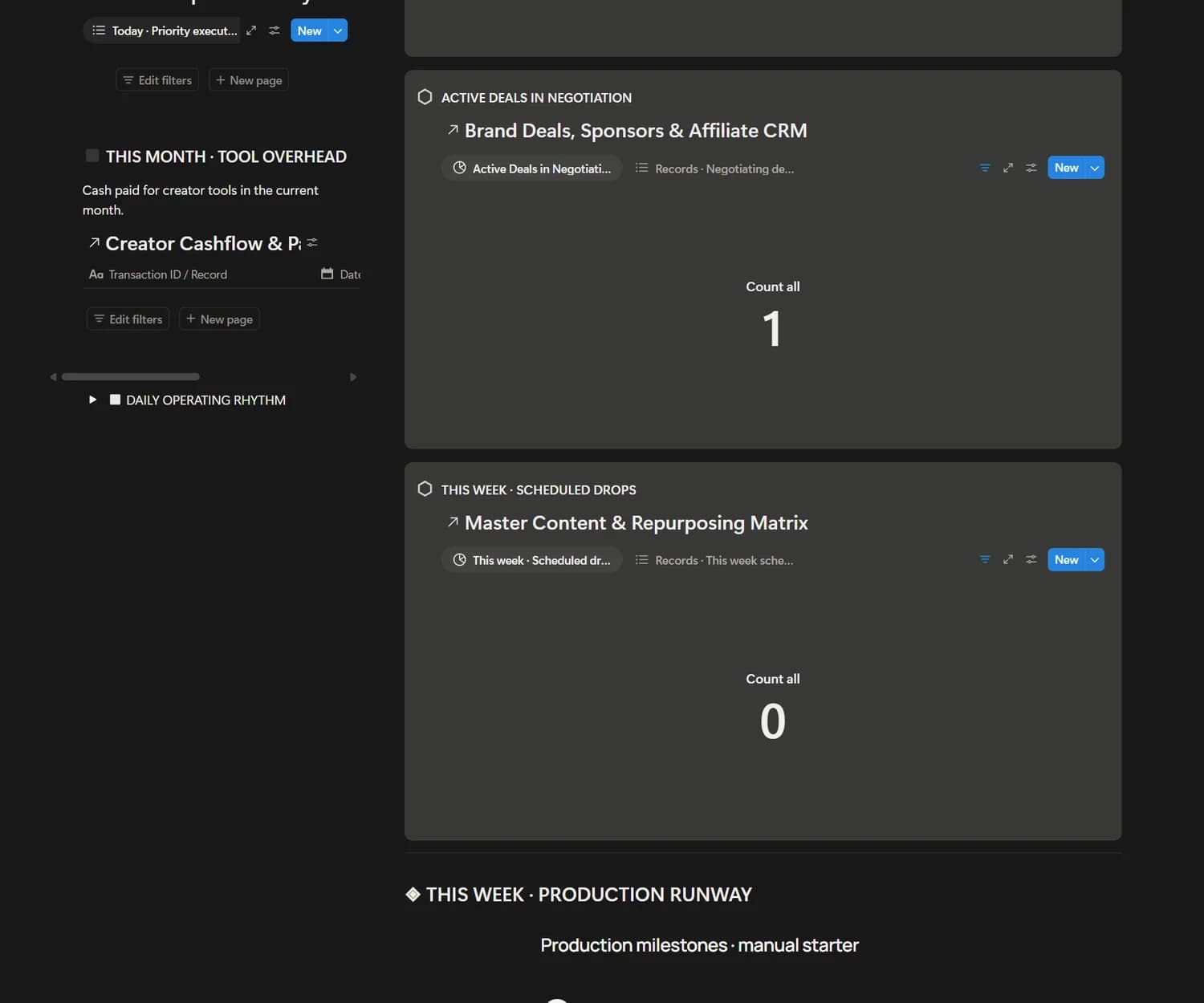
A real operating system, with editable records and views. Explore the actual dashboard and the databases behind it.
Content and repurposing pipeline
Offers connected to recorded transactions
Sponsor and affiliate CRM
Hook vault and daily sprint queue
With a compatible connection, capture work in your own words. Start with this schema-aware prompt in your duplicated workspace.
Schema inspected. This product-specific write example has not been tested end to end.In my duplicated Monetized Creator OS, inspect Master Content & Repurposing Matrix. Create Content Asset / Hook “Three lessons from my latest launch” with Platform [“Newsletter”] and Production Stage “Ideation”. Leave Publish Date and Rel: Promoted Offer unset until I choose them. Return the record link and verify its fields. Do not publish or send anything.
Your assistant must support the requested action. Confirm its destination and permissions. No background automation is included.
Connect your assistantFor independent creators building an accountable content and offer workflow. You’re happy to keep your own records accurate and adapt an editable workspace.
No automatic publishing or guaranteed revenue. Pipeline value is separate from received cash. AI vaults store prompts, not model execution. Buying a system does not connect an AI assistant. Final purchase license, delivery and refund terms will be available before checkout opens.
Duplicate the complete system. Review its setup guide and examples. Create one record, check its view, then optionally test your AI connection on a disposable record.
The Monetized Creator OS includes 6 core source databases, its dashboard views and setup guidance. Features are based on the Seller Master Blueprint and inspected workspace.
The Notion workspace can be opened in Notion’s mobile app. Wide databases may require horizontal scrolling. Website previews are responsive; final buyer-copy mobile testing remains part of release verification.
No. Connect your own assistant, inspect available actions and authorize the relevant workspace. Use the onboarding guide to check your setup.
Purchasing remains closed while final commerce policies and delivery are configured. Review the published terms and the actual Gumroad checkout before purchase.
An energy-aware home for your tasks, daily check-ins and the little things that make a life.
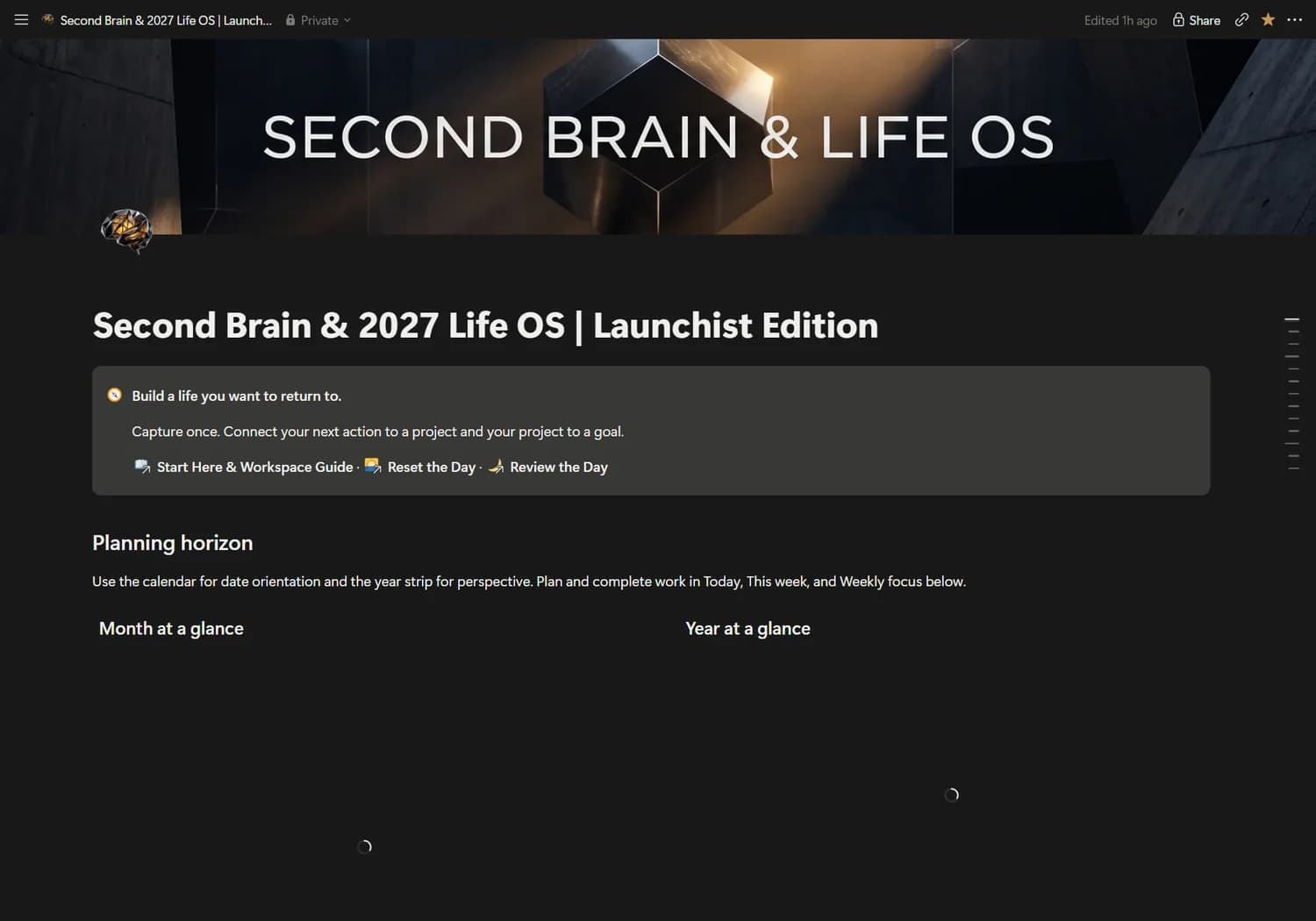
Connect what you know, what you want and what you do in one considered personal operating system.