Second Brain & 2027 Life OSLaunchist Edition
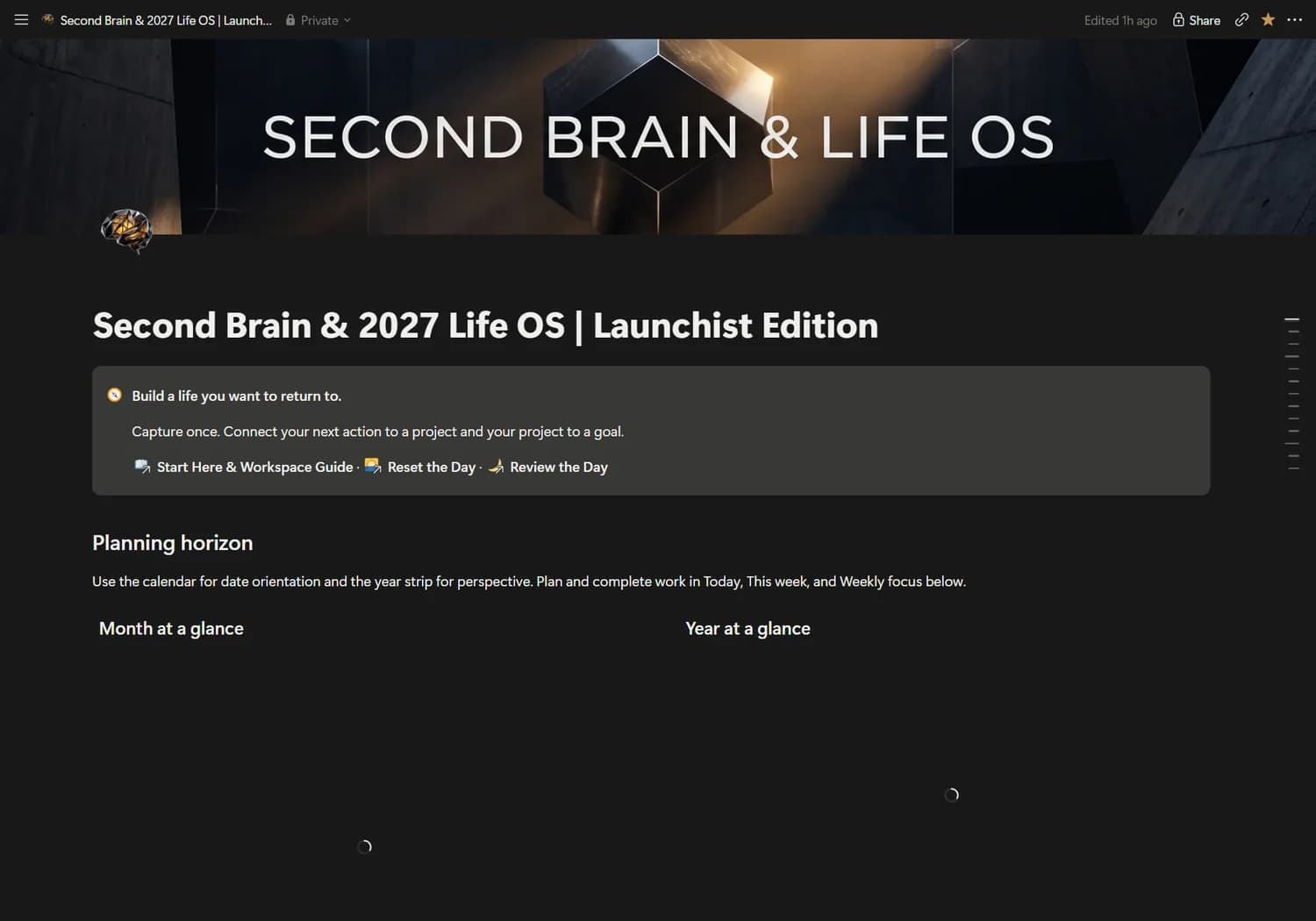
Personal system
$79USD · planned launch priceSecond Brain & 2027 Life OS
Connect what you know, what you want and what you do in one considered personal operating system.
 Find your system
An energy-aware home for your tasks, daily check-ins and the little things that make a life.
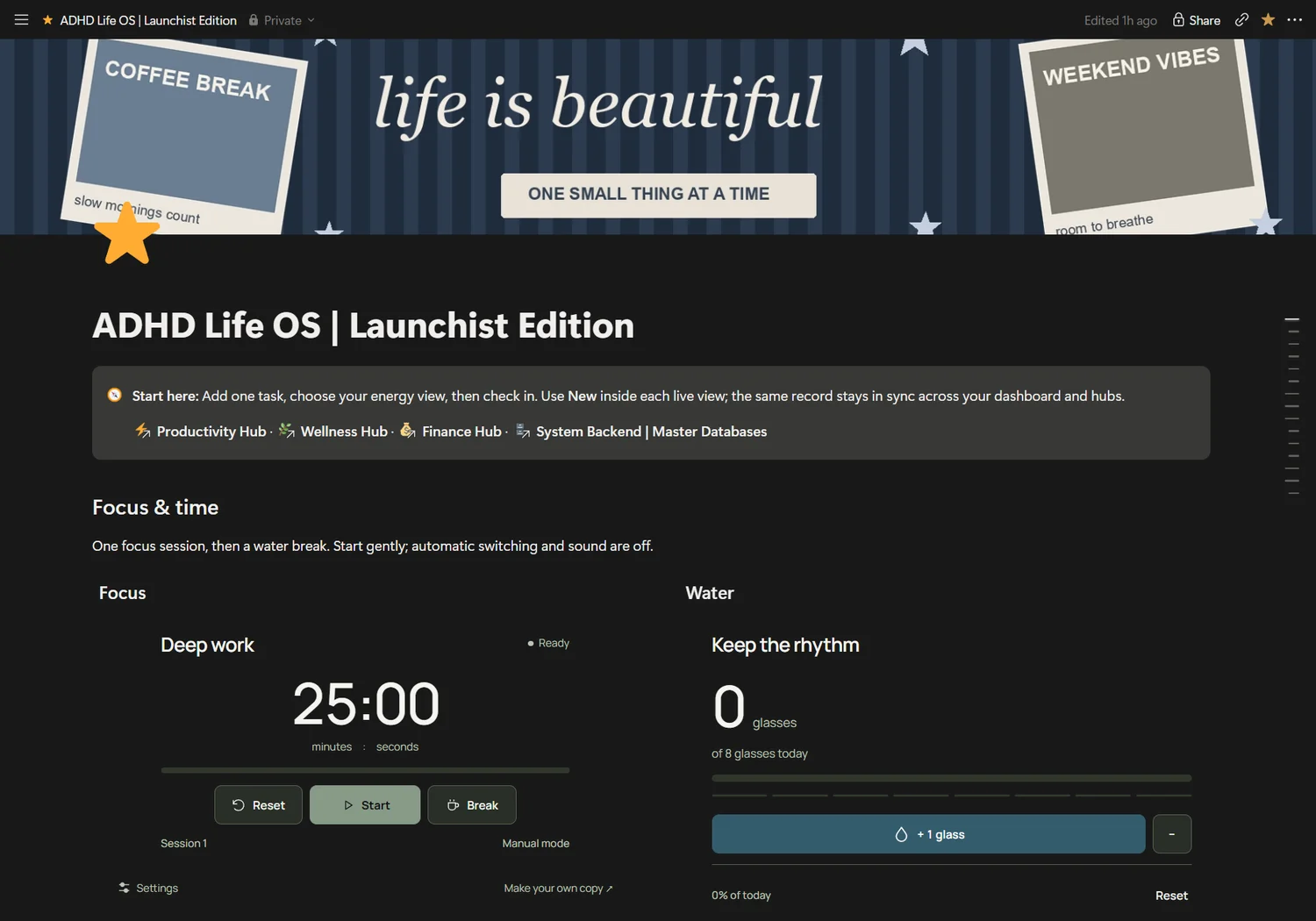
Actual Notion dashboard · example records may appear · widgets are separate from database activity
For people who want a gentler planning system that accommodates changing energy.
Choose a small next step that fits today. Keep your tasks, wellness and simple finances close without a complicated database engine.
A planning tool, not medical care or a treatment for ADHD. Widget activity is separate from Notion database records.
A real operating system, with editable records and views. Explore the actual dashboard and the databases behind it.
Plan by energy, time and dopamine
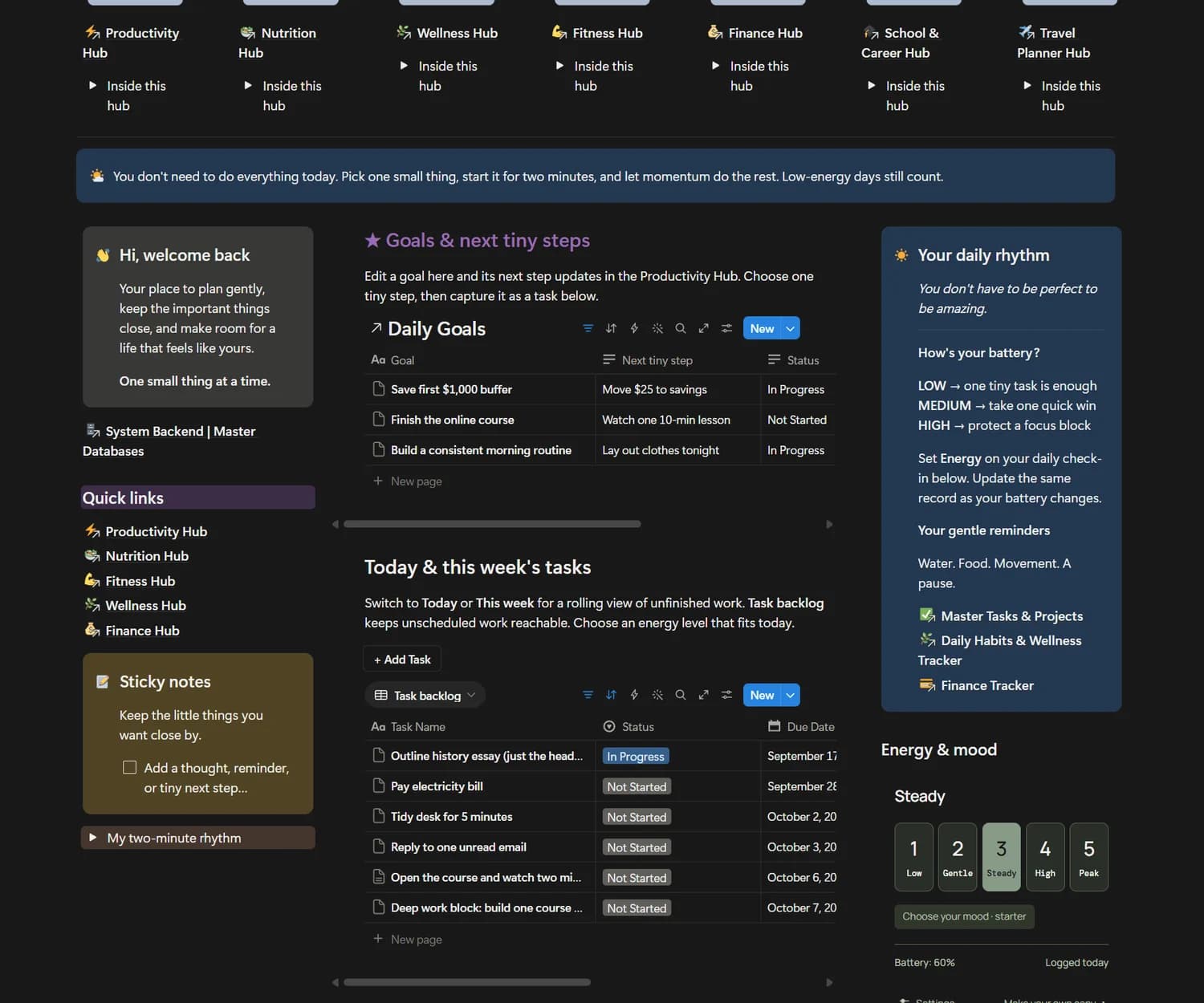
Seven lifestyle hubs in one workspace
Daily mood, habits and brain dump
Simple income and expense capture
With a compatible connection, capture work in your own words. Start with this schema-aware prompt in your duplicated workspace.
Task creation and completion tested in an isolated copy.In my duplicated ADHD Life OS, find Master Tasks & Projects. Inspect its properties. Create a task called “Finish the presentation” with Due Date tomorrow (confirm the date and my timezone), Energy Level “Low Energy”, Dopamine Tag “Quick Win”, Estimated Minutes 15, Category “Work” and Status “Not Started”. Return the created record link and read its values back.
Your assistant must support the requested action. Confirm its destination and permissions. No background automation is included.
Connect your assistantFor people who want a gentler planning system that accommodates changing energy. You’re happy to keep your own records accurate and adapt an editable workspace.
A planning tool, not medical care or a treatment for ADHD. Widget activity is separate from Notion database records. Buying a system does not connect an AI assistant. Final purchase license, delivery and refund terms will be available before checkout opens.
Duplicate the complete system. Review its setup guide and examples. Create one record, check its view, then optionally test your AI connection on a disposable record.
ADHD Life OS includes 3 core source databases, its dashboard views and setup guidance. Features are based on the Seller Master Blueprint and inspected workspace.
The Notion workspace can be opened in Notion’s mobile app. Wide databases may require horizontal scrolling. Website previews are responsive; final buyer-copy mobile testing remains part of release verification.
No. Connect your own assistant, inspect available actions and authorize the relevant workspace. Use the onboarding guide to check your setup.
Purchasing remains closed while final commerce policies and delivery are configured. Review the published terms and the actual Gumroad checkout before purchase.
Connect what you know, what you want and what you do in one considered personal operating system.
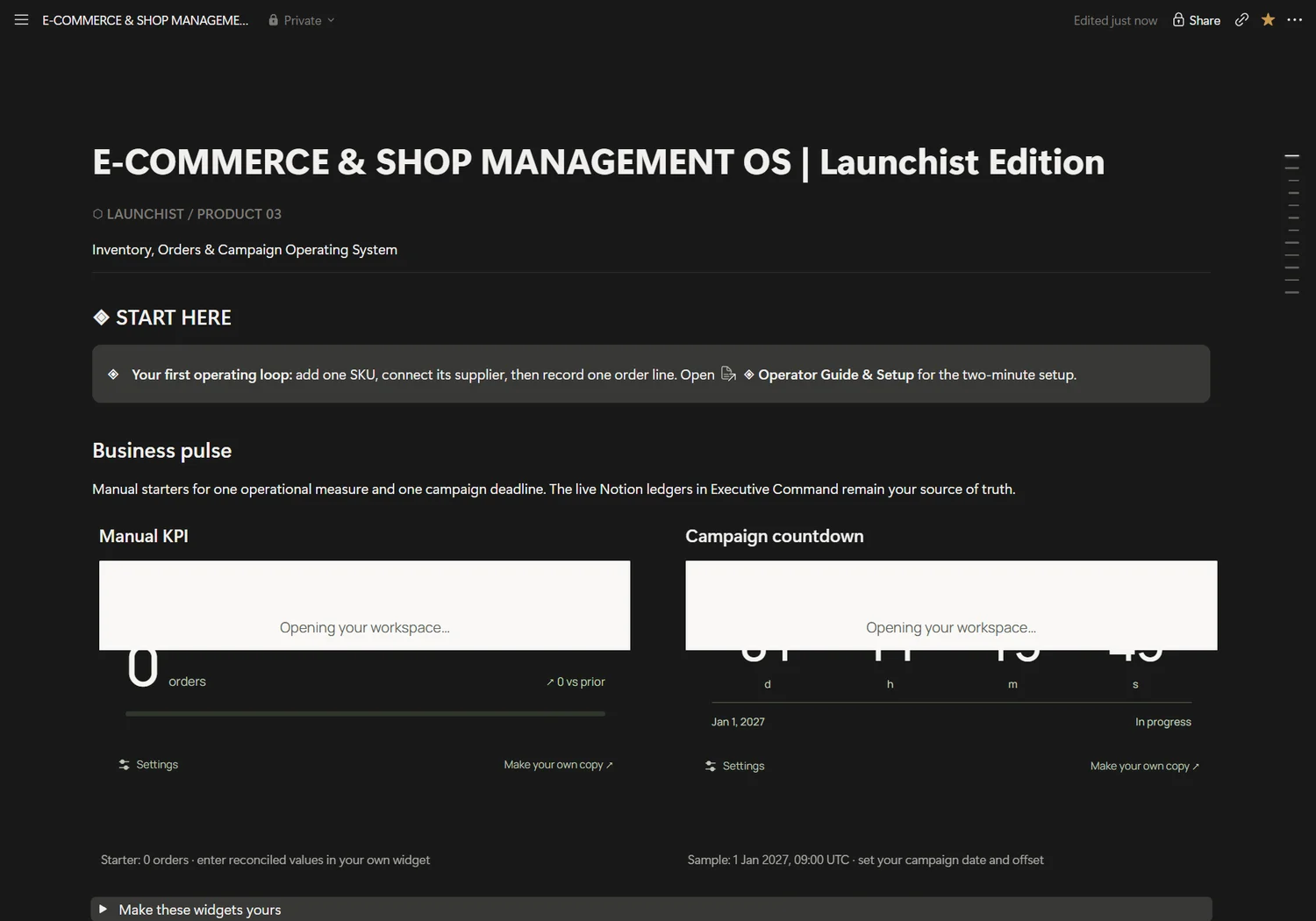
Stock, suppliers, order lines and campaign work, connected in one shop operations desk.